
Load a film. Then shoot.
On iPhone, choose the roll before you press the shutter. Every frame lands in your library, ready to develop. Camera Control and the Lock Screen bring you straight to it.
SpektraLab for iPhone and iPad
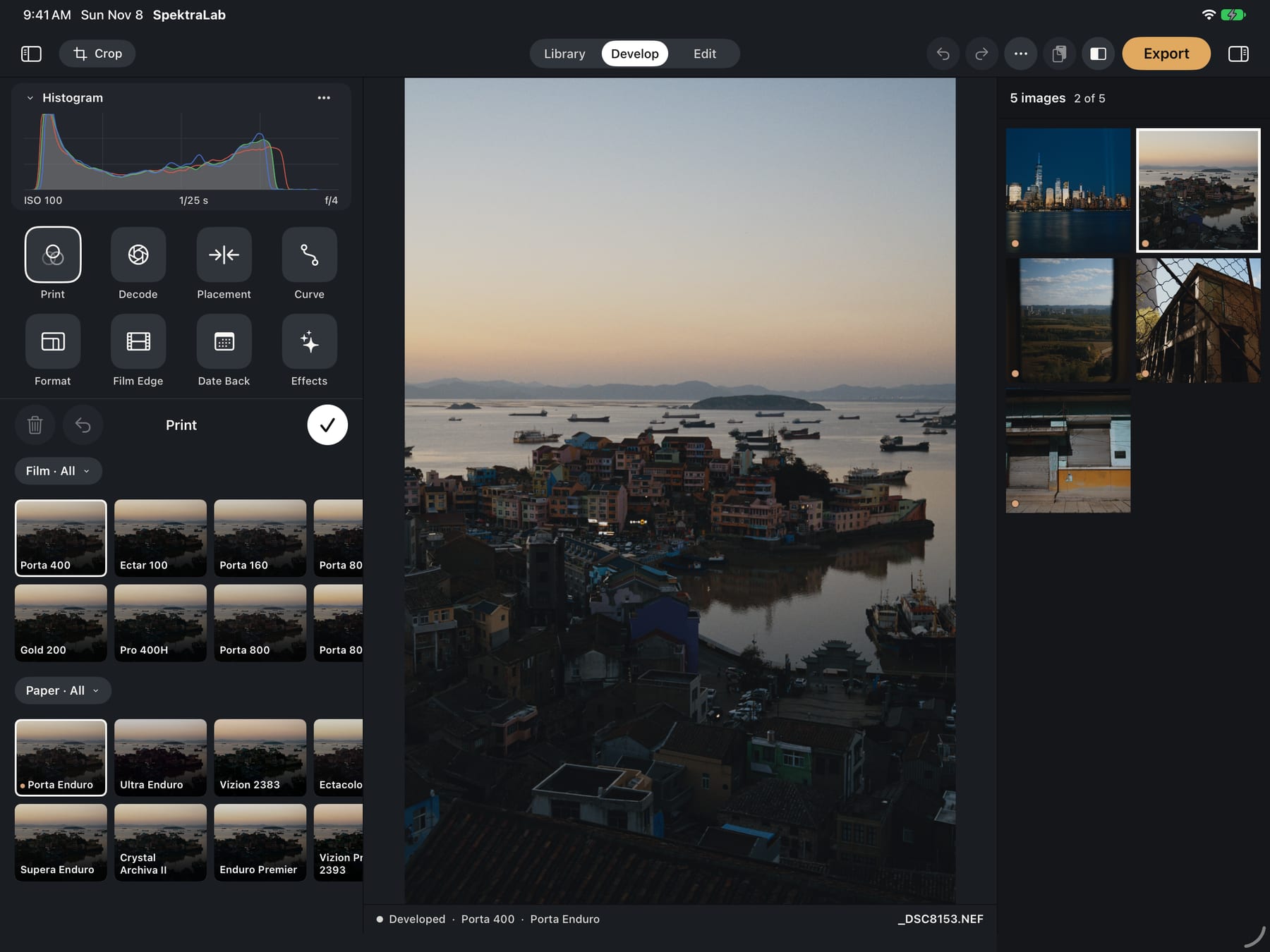
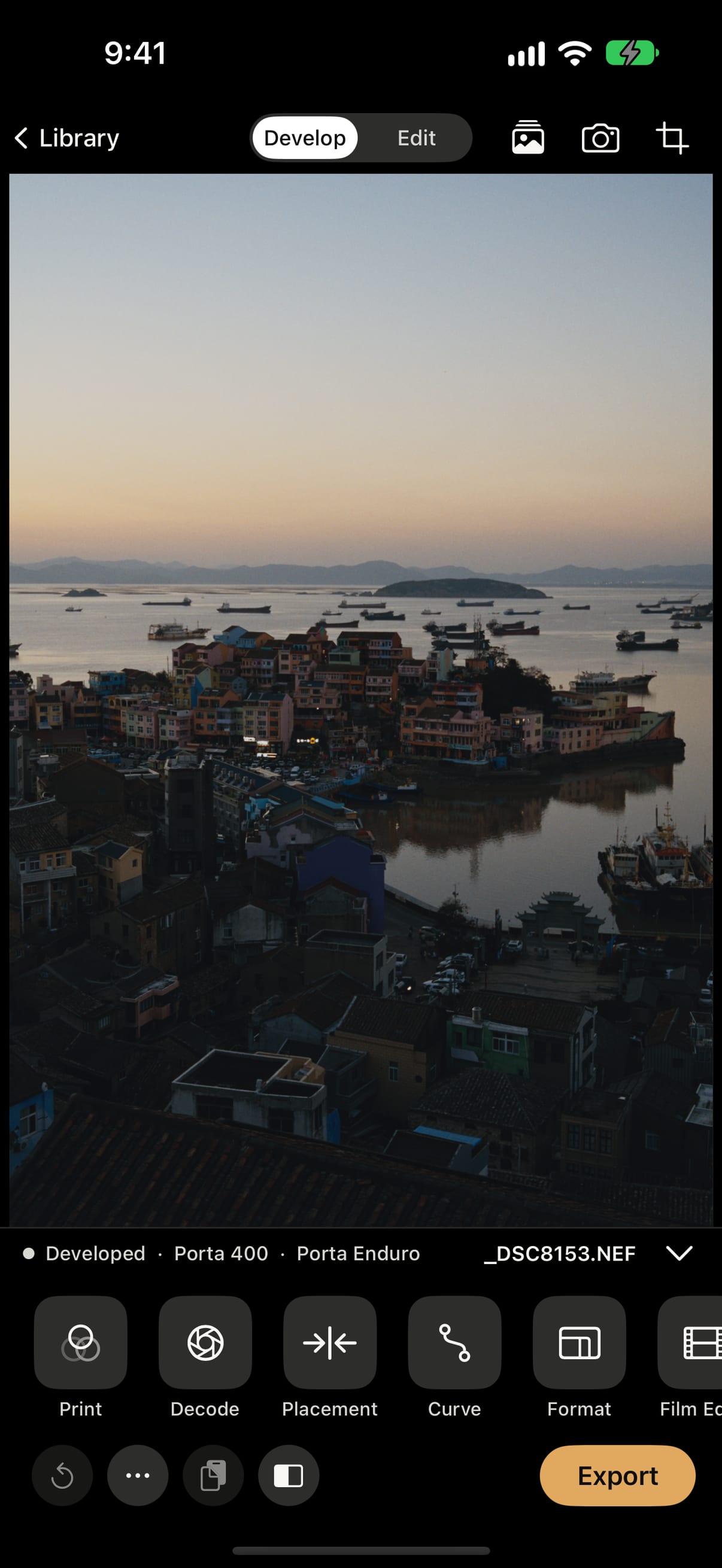
Every photo is exposed onto a measured film, developed, and printed on a measured paper, with light traced from 380 to 780 nanometres in 81 steps. On your iPhone and iPad, with no account and nothing collected.
Free · iOS 17 or later · One app for iPhone and iPad · Works offline
The darkroom, by hand
A preset moves colours around. SpektraLab moves light: through the film's dye layers, then through the paper's. Grain, halation and the colour in the shadows come out of that process, so every photo responds the way film would.
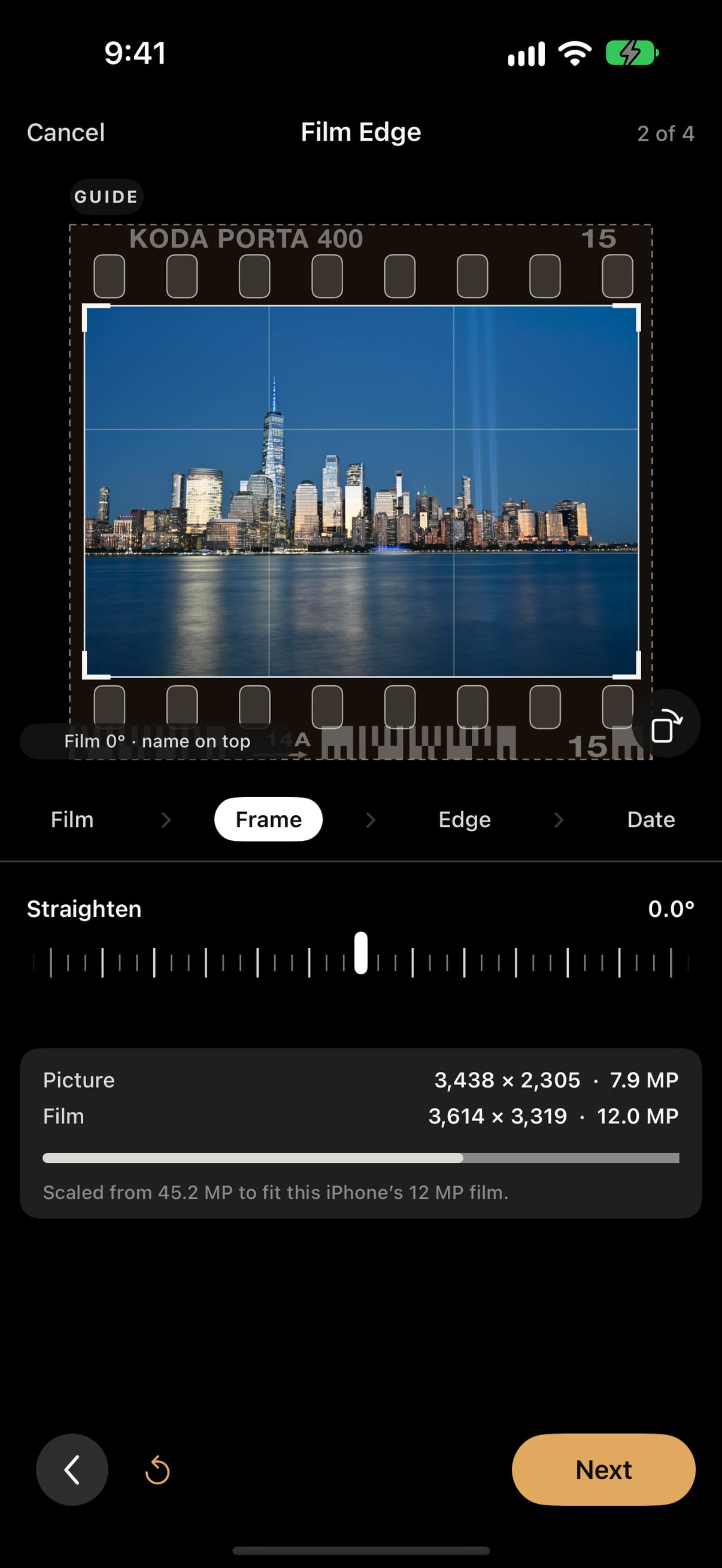
Film Edge and Date Back
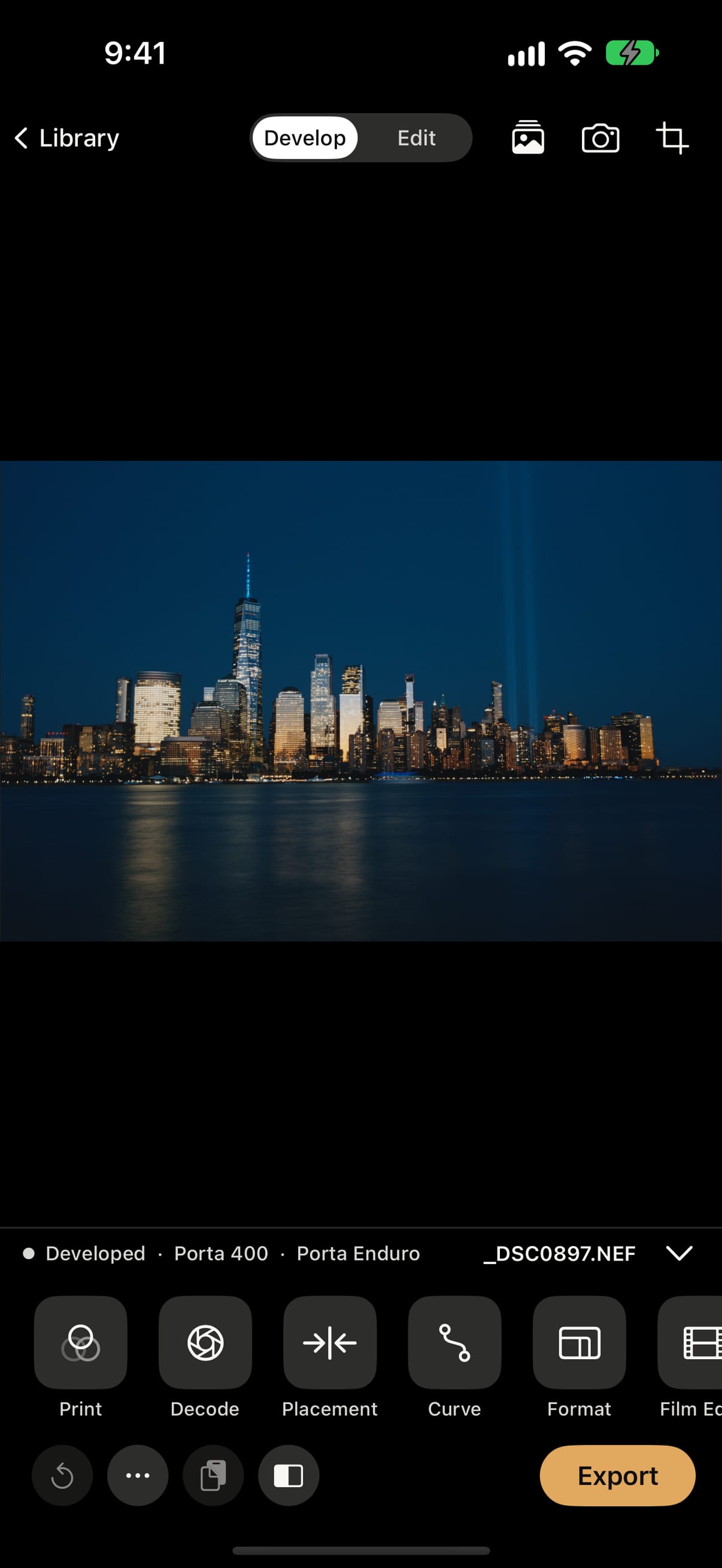
Your frame printed on its own strip: rebate, perforations, edge code and frame numbers, set by format, free for everyone. With Plus, Date Back exposes the date into the negative the way a camera back did, and the edge prints a name of your own.
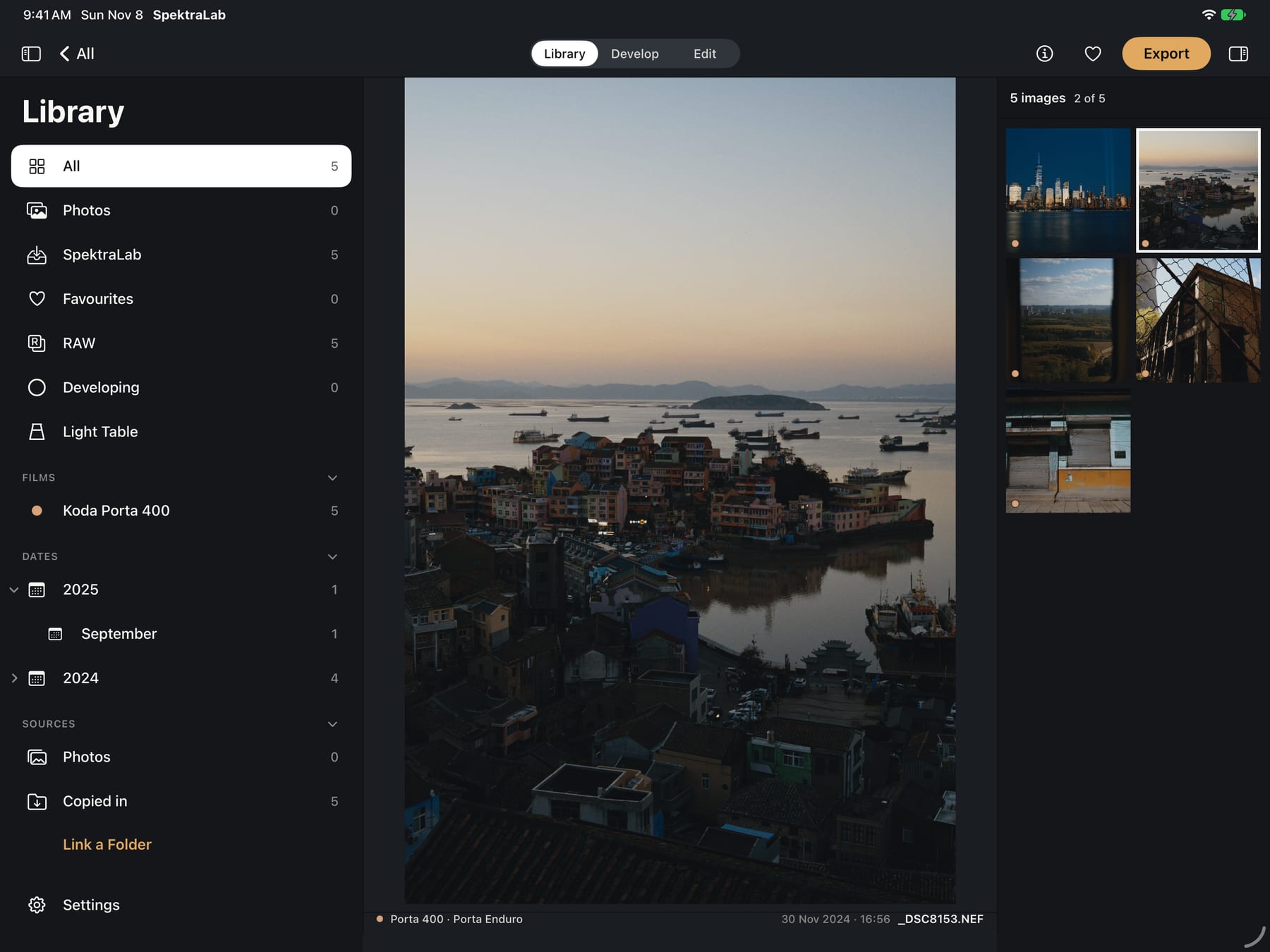
Built for iPad
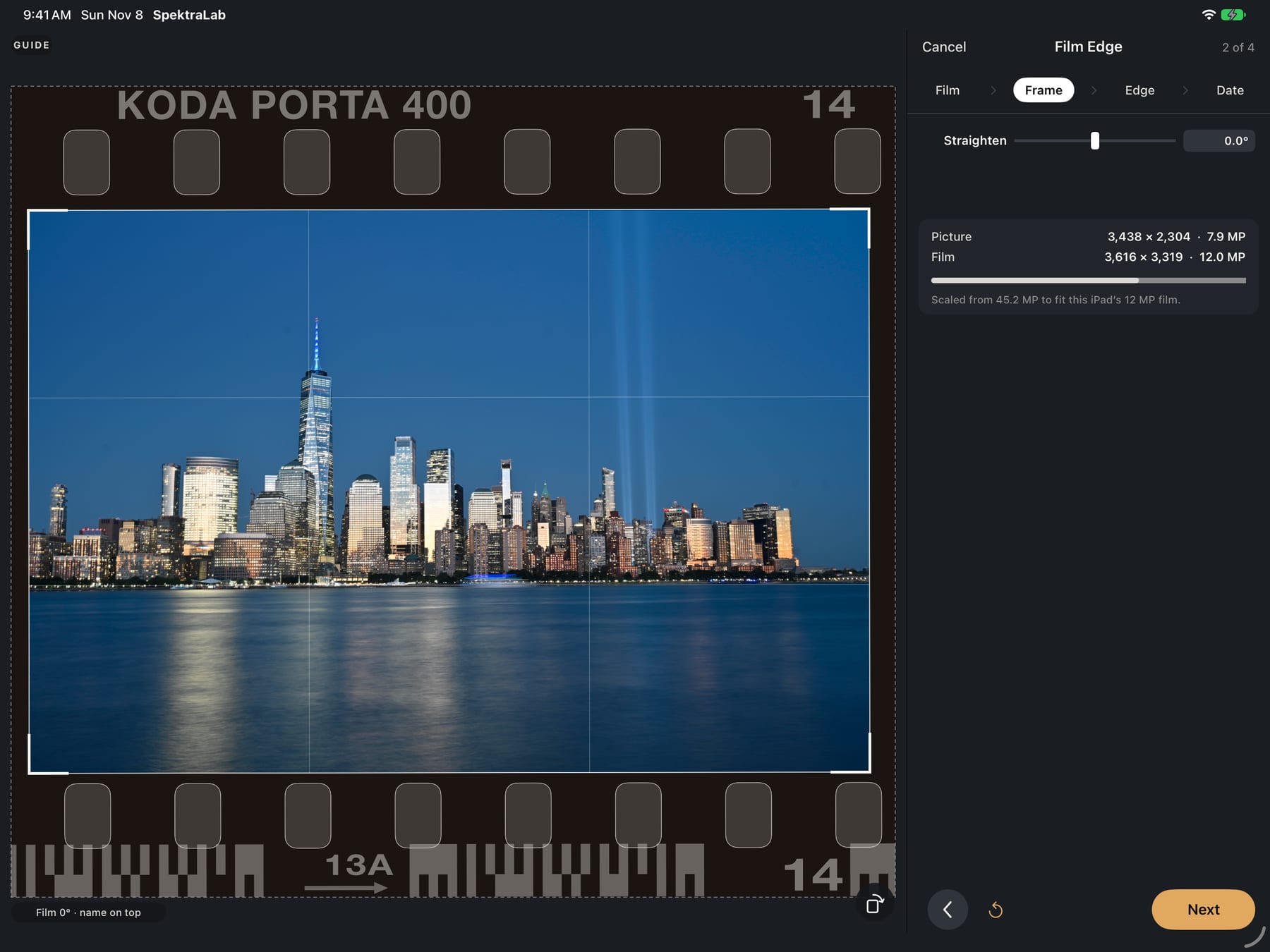
Turn the iPad on its side and SpektraLab is laid out like the Mac: the library down the left, the picture in the middle, the browser on the right, and Library, Develop and Edit along the top. The column holds the whole process: Print, Decode, Placement, Curve, Format, Film Edge, Date Back and Effects.
And the rest of the lab
On iPhone, choose the roll before you press the shutter. Every frame lands in your library, ready to develop. Camera Control and the Lock Screen bring you straight to it.
Open RAW, Apple ProRAW, HEIF and JPEG from your Photos library. The original is never changed: SpektraLab reads it in place and keeps its develops beside it.
Your roll at actual size. Pick the keepers the way you would with a loupe.
Half-frame pairs, each side metered, developed and printed on its own.
JPEG and HEIF in every colour space at 12 MP are free. Plus exports full size, up to what your device allows, in PNG and 16-bit TIFF too, and the RAWs you bring in.
No account. No tracking. No analytics. Every develop runs on your device, and the app works offline. It goes online only when you buy Plus through the App Store.
SpektraLab Plus
Free stays free: every colour film and paper, every Develop and Edit tool, your Photos, Film Edge, the Light Table, 12 MP, JPEG and HEIF in every colour. Plus opens the rest, monthly, yearly, or bought once for good.
iOS 17 or later. One app for iPhone and iPad, built on the same mathematics, with an engine reimplemented for mobile.